
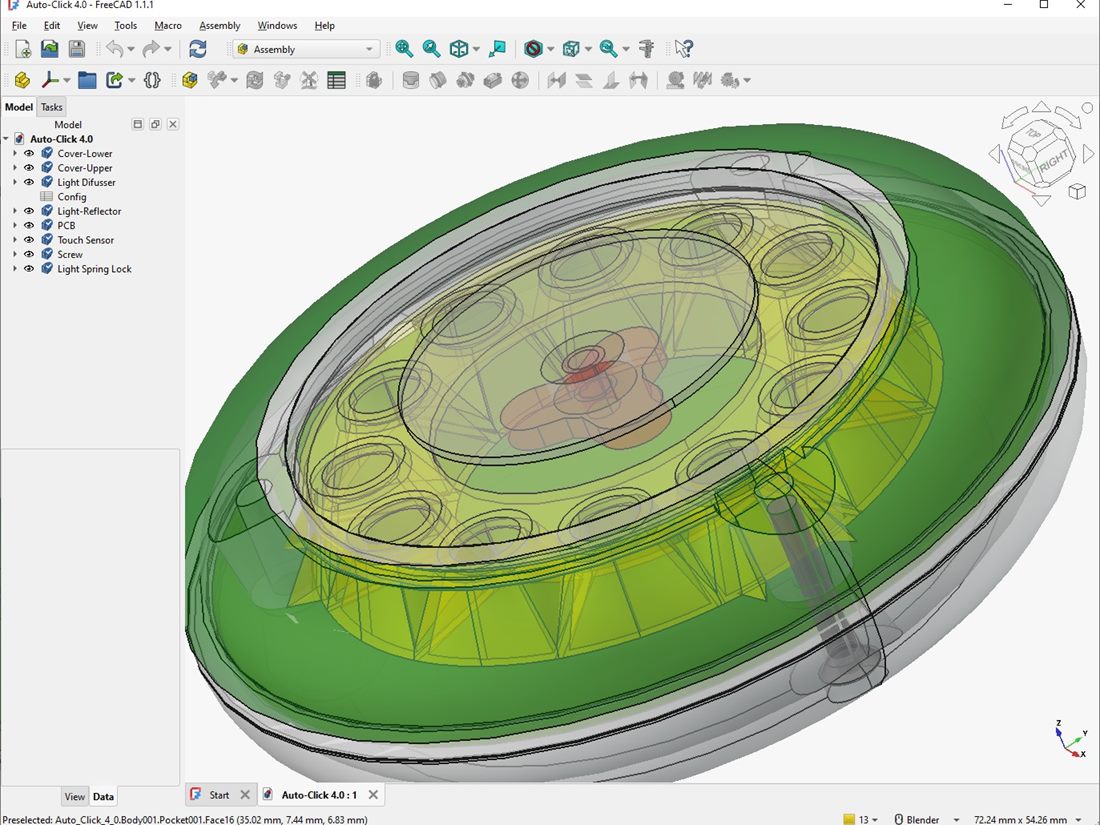
The core difference: parametric vs mesh
FreeCAD is a parametric CAD program. You build a model from precise, dimensioned features — sketches, extrusions, pockets, fillets — and every value stays editable. Change a hole from 5 mm to 6 mm and the model updates accordingly.
Blender is a mesh and sculpting tool. You manipulate vertices, edges and faces directly. It excels at organic, artistic, free-form shapes, but it has no inherent concept of "this hole is exactly 5 mm" the way CAD does.
Reach for FreeCAD when…
- The part is functional or mechanical — a bracket, an enclosure, a mount, a gear.
- Dimensions matter and parts must fit together or mate with existing hardware.
- You expect to revise measurements later — parametric history makes edits painless.
- You want to design around a real object you can measure with calipers.
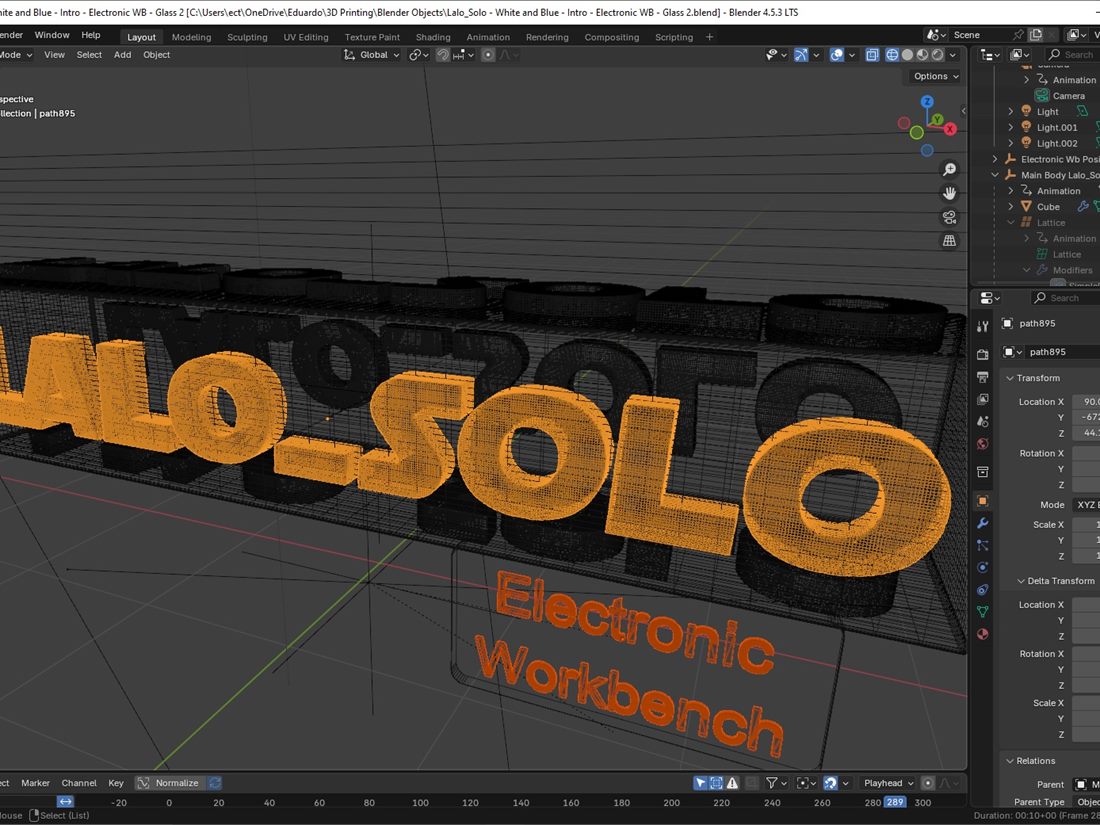
Reach for Blender when…
- The shape is organic or decorative — a figurine, a stylised logo, a sculpt.
- Visual form matters more than exact dimensions.
- You need to render a model for a thumbnail, a video, or a product shot — Blender's rendering is superb.
- You are repairing or remixing an existing mesh.
If a caliper would help you design the part, use FreeCAD. If a reference photo would help more, use Blender.
They work well together
These tools are not mutually exclusive. A common workflow is to design the functional body of a part in FreeCAD, then bring it into Blender to add organic detail or to produce a polished render for documentation. I move between them depending on what a project needs at each stage.
Both export clean printable meshes
Whichever you use, the output for printing is the same kind of file — an STL or 3MF mesh that your slicer turns into machine instructions. The key is a watertight, manifold mesh with no holes or flipped faces. FreeCAD generates these from solid geometry almost automatically; in Blender you take more care to keep the mesh clean, but it gives you tools to check and fix it.
My recommendation for beginners
If your goal is printing functional parts — the most common reason people pick up 3D printing — start with FreeCAD. Parametric thinking is the more transferable skill for real-world objects, and the precision will save you reprints. Add Blender later, when you want to make things that are beautiful rather than merely correct.
Designing something that has to fit existing hardware? Measure twice with calipers, model in FreeCAD, and print a small test piece before committing to the full part.